

The challenge of scale in low-code architecture isn't about compiling code—it's about compiling organizational alignment.
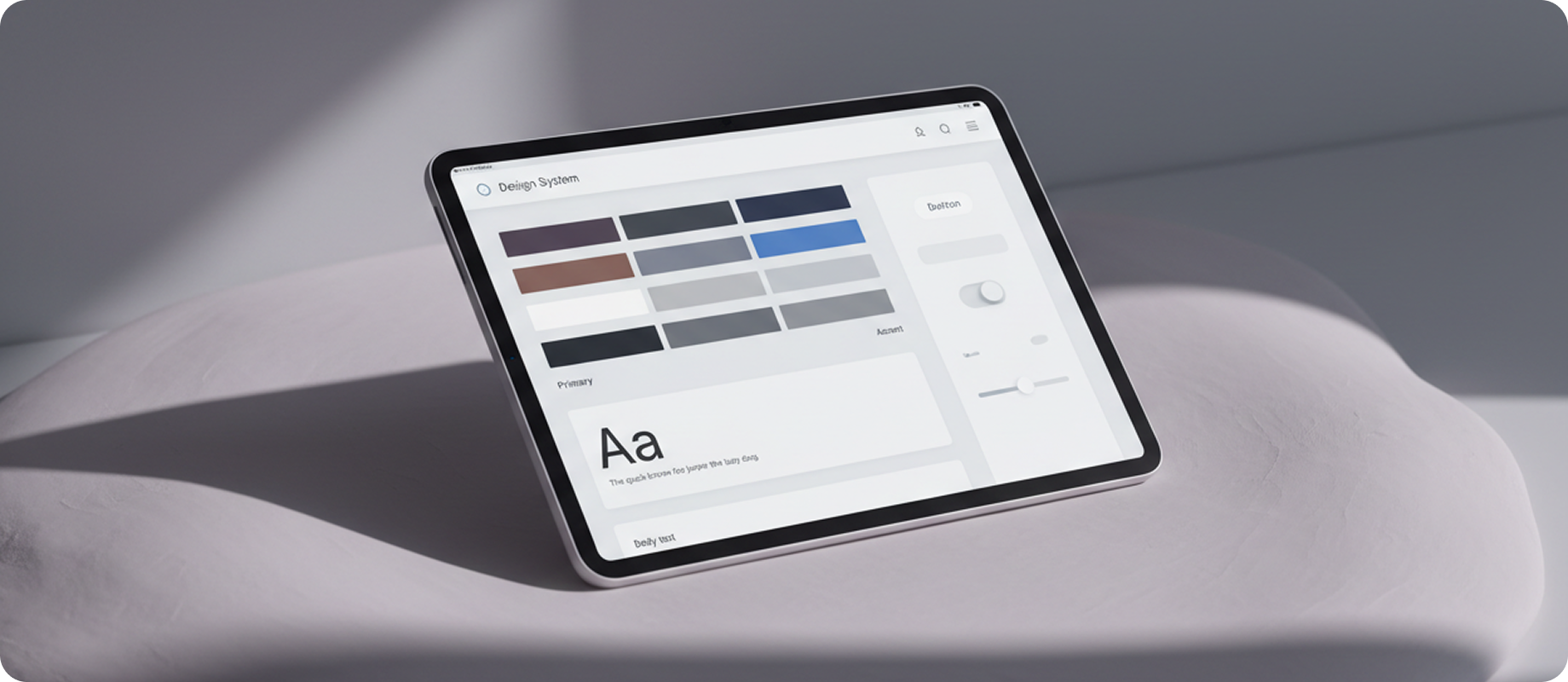
When delivering digital products for enterprise clients, the transition from high-fidelity Figma mockups to live Webflow deployments often introduces translation drift. Inconsistent spacing classes, arbitrary color definitions, and unstructured class hierarchies slow down marketing iteration and degrade site performance.
"A perfect design system is not a set of components; it is a contract of boundaries that allows creative output to scale safely." — Zoe Harrington, Lead Digital Designer
By establishing strict class structures, absolute token relationships, and modular component libraries, our team built an architectural system capable of launching 4,000+ lightning-fast localized marketing sheets with zero structural drift. In this guide, we reveal the specific step-by-step methodologies.
Can I customize my CMS?
Yes, most CMS platforms allow for extensive customization through themes, plugins, and custom code. This flexibility enables you to tailor your website's appearance and functionality to meet your specific needs.
Can I use a CMS for eCommerce?
Yes, many CMS platforms are designed specifically for eCommerce, providing features like product management, payment processing, and inventory tracking. Popular eCommerce CMS options include WooCommerce and Shopify.
How can I ensure my CMS is secure?
Yes, many CMS platforms are designed specifically for eCommerce, providing features like product management, payment processing, and inventory tracking. Popular eCommerce CMS options include WooCommerce and Shopify.
How do I choose the right CMS for my needs?
Choosing the right CMS depends on your specific requirements, such as ease of use, scalability, customization options, and support. It's essential to evaluate your goals and test different platforms before making a decision.
How do I choose the right CMS for my needs?
Choosing the right CMS depends on your specific requirements, such as ease of use, scalability, customization options, and support. It's essential to evaluate your goals and test different platforms before making a decision.